About this template
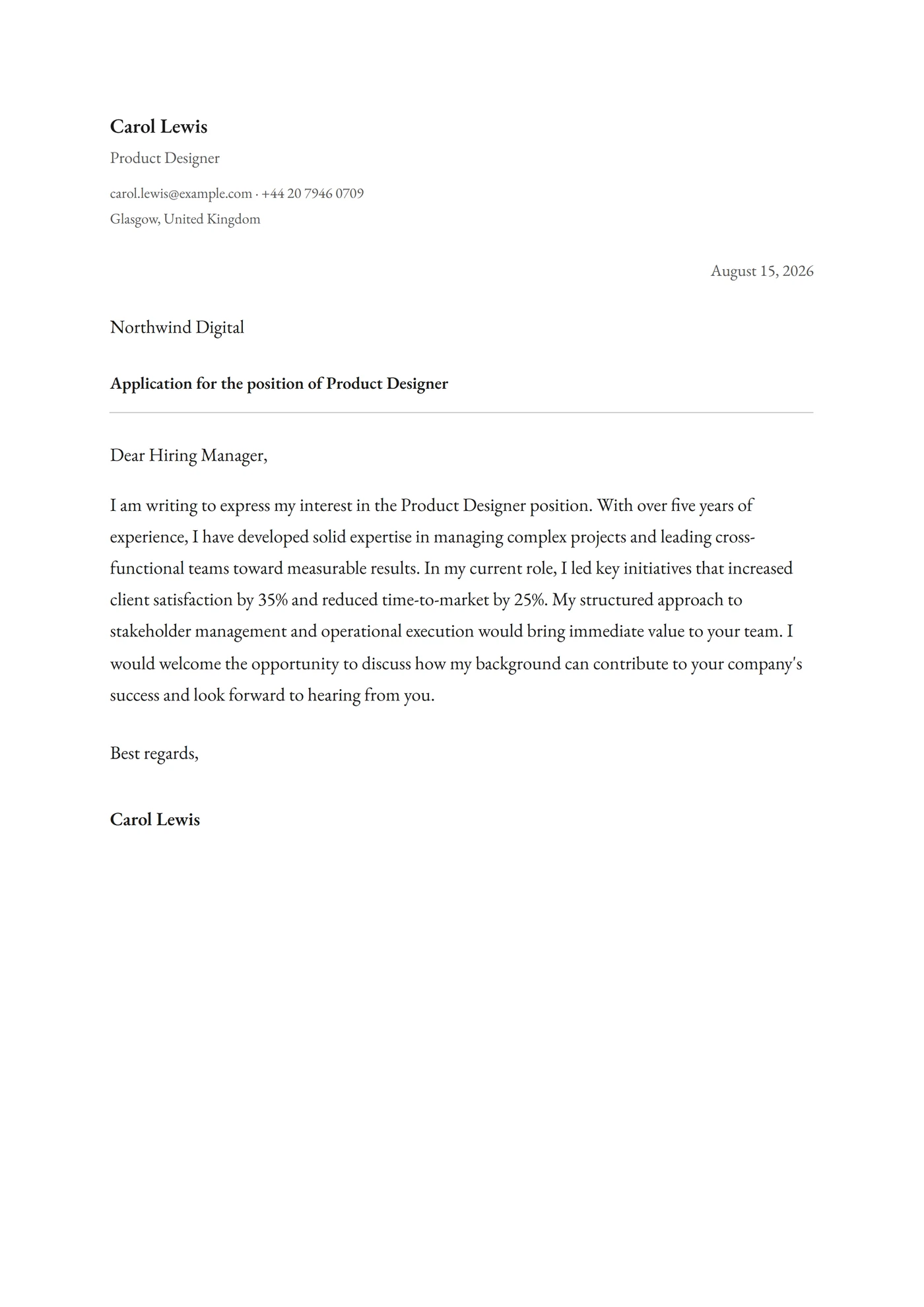
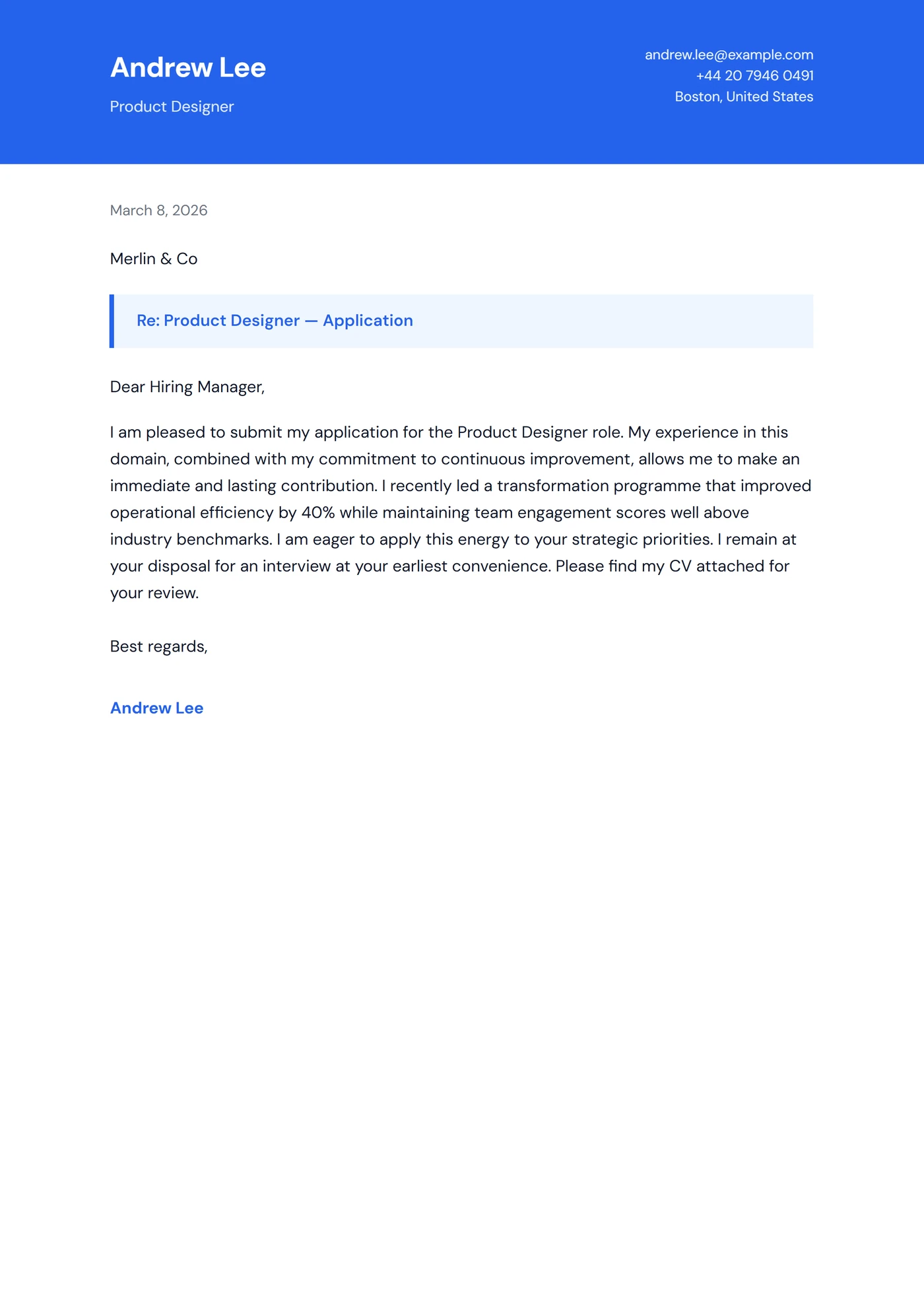
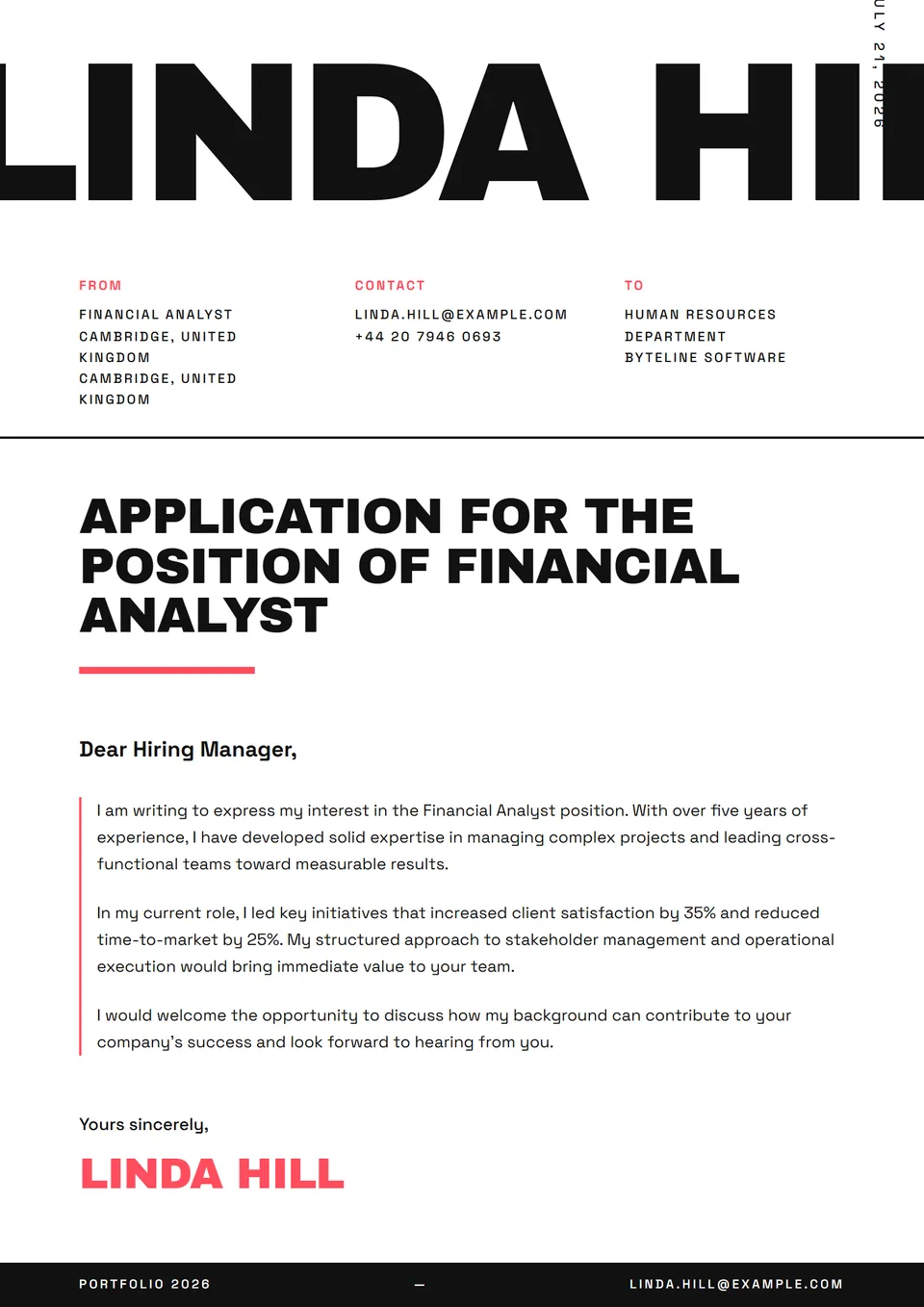
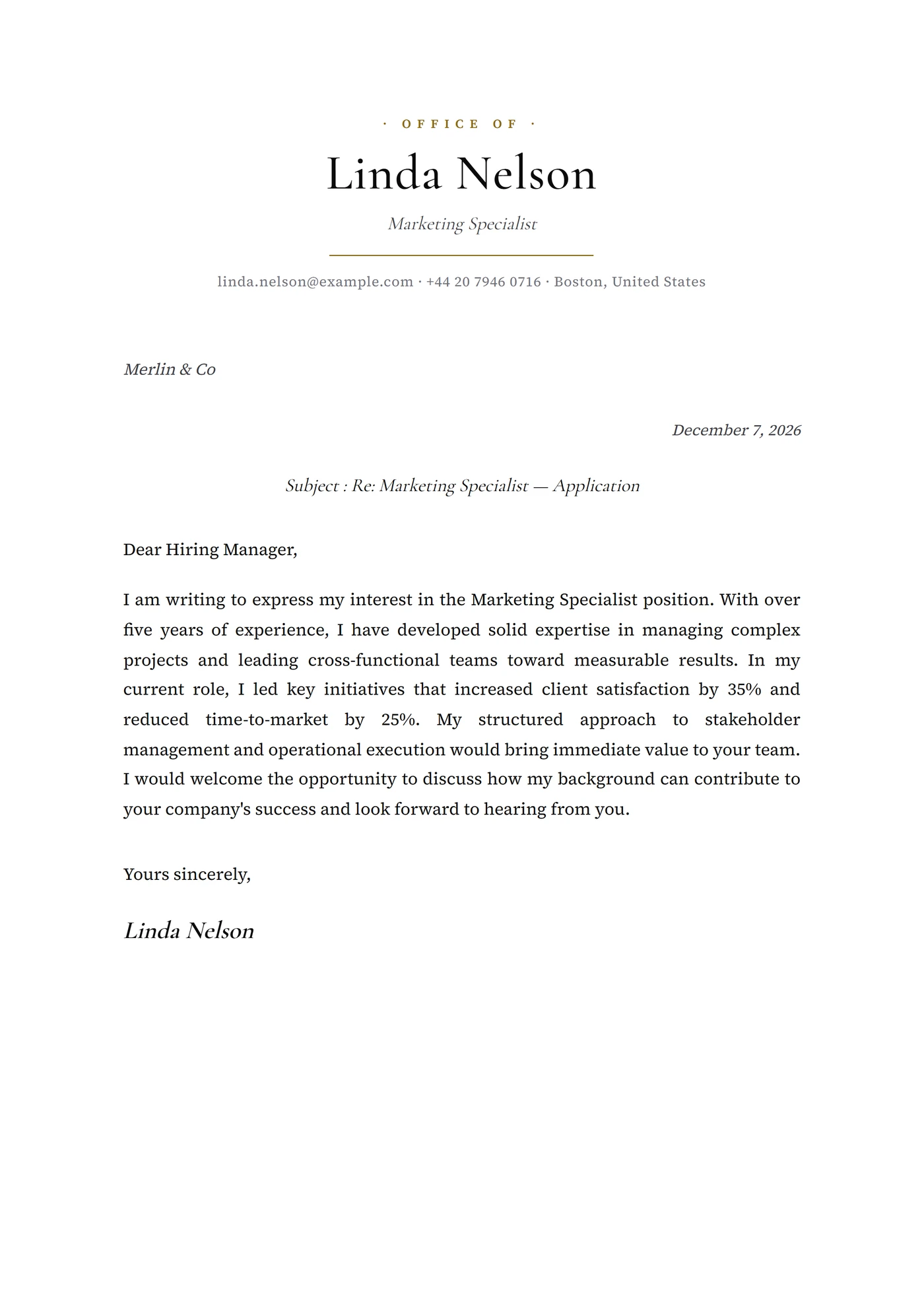
The Minimal Japandi template is a cover letter inspired by Japandi design: a warm beige paper tone, a fine ink-black sans-serif body, and a single Japanese-style hanko-shaped marker beside the signature. The restraint borrows in equal measure from Scandinavian and Japanese traditions, an aesthetic crossing that runs through contemporary design culture and parses cleanly through retail and design-studio ATS pipelines.
Who is it for?
It suits UX, product-design and interior-design candidates applying to studios shaped by wabi-sabi and Scandinavian sensibility — IDEO, Frog, MUJI, &Tradition, Karimoku, Common Projects, Hay, Vitra, Pentagram, Made Thought. Equally relevant for premium residential architecture profiles, culinary-design candidates (refined Japanese restaurants, tea houses) and applications to design publishers (Phaidon, Taschen, Gestalten, Rizzoli).
How to use it
The hanko is not your signature — it is a visual marker derived automatically from your initials. Your handwritten or printed signature sits beside it in neutral sans-serif. The warm beige background (around #F5EFE3) is essential to the template's identity: do not swap it for pure white, the Japandi anchor disappears the moment you do. Keep the body to two paragraphs that demonstrate the same restraint as the design.
Frequently asked questions
Is the hanko marker customisable?
Not inside the online editor. The hanko is rendered as a fixed graphic element that picks up your initials automatically from the first-name field. For a fully personalised hanko, switch to Minimal Microtype or another minimal template — Japandi is designed to keep the marker consistent across applications so the visual signature stays stable.
Is it suitable for non-design candidates?
The Japandi cue is strong and specific — it will read as a deliberate aesthetic choice, not as a neutral cover letter. Reserve it for creative, design and premium-hospitality roles where the cultural anchor speaks to the recruiter. For finance, law or general corporate roles, switch to Minimal Monochrome or Minimal Paper White.
Does the PDF preserve the warm beige background?
Yes. The background is applied via CSS print rules and rendered in the PDF with stable chromatic fidelity. For physical printing, choose cream or ivory paper that extends the tone rather than pure white, which would visibly clash with the embedded beige and break the intended sensorial register.