
15 templates
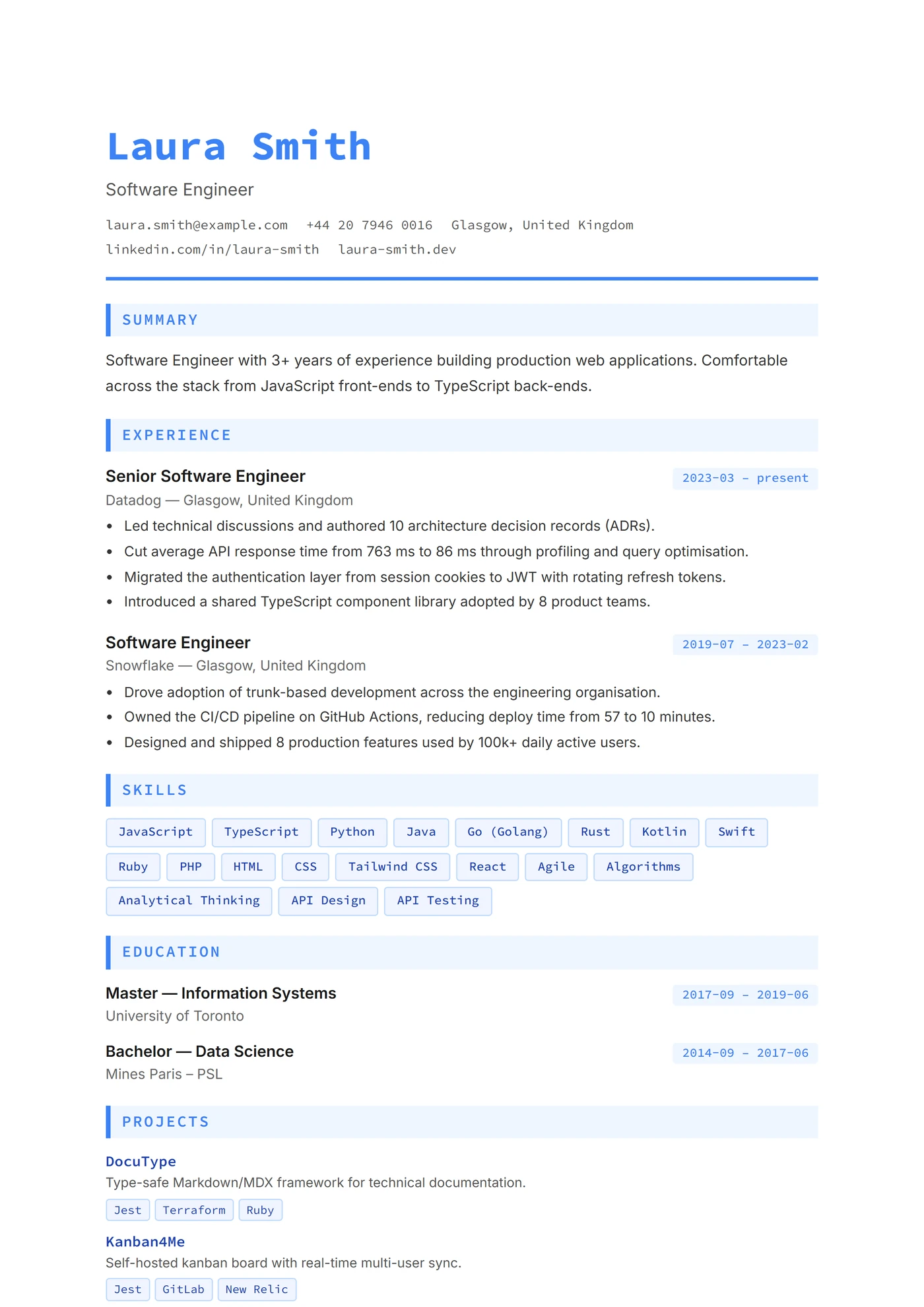
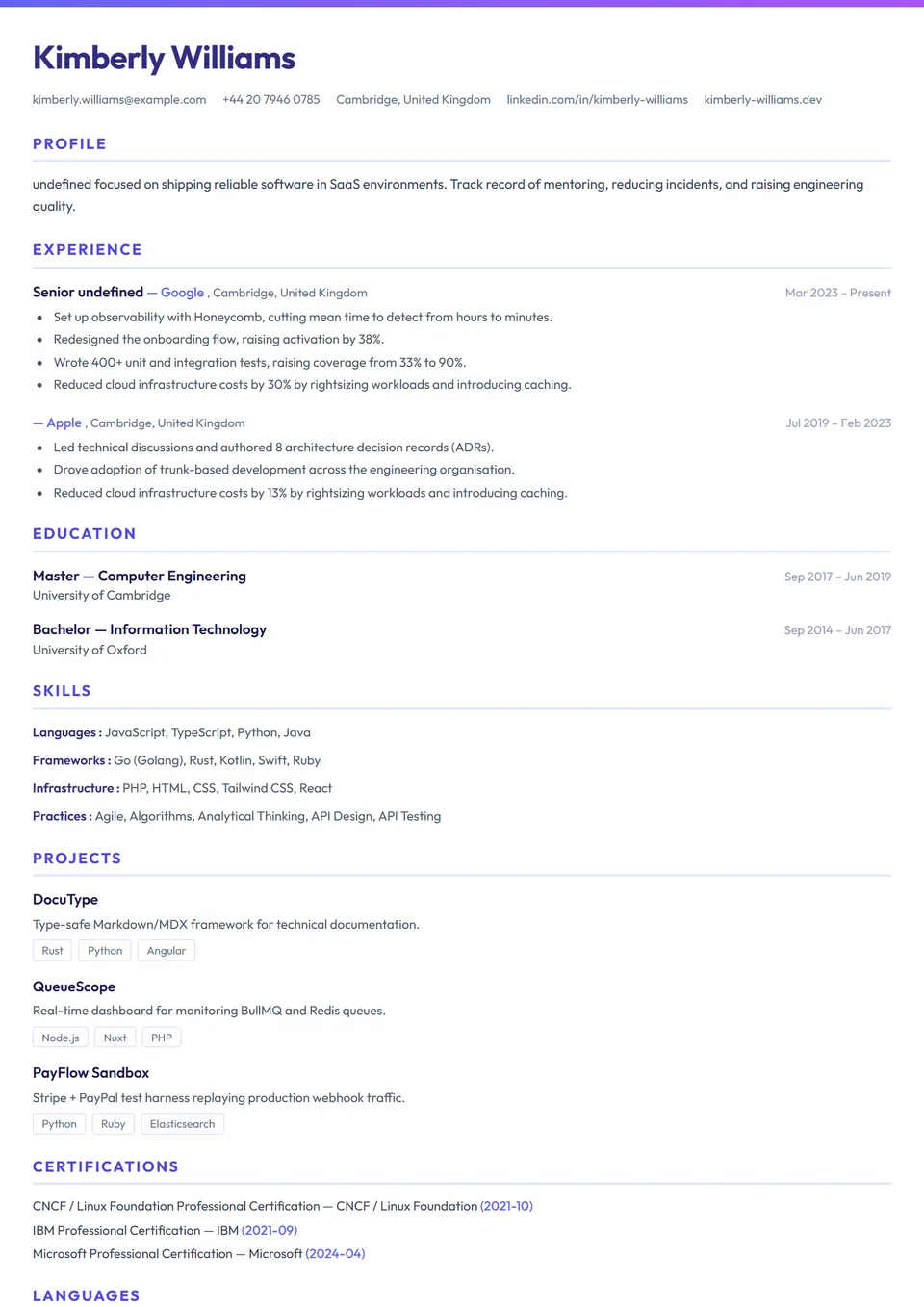
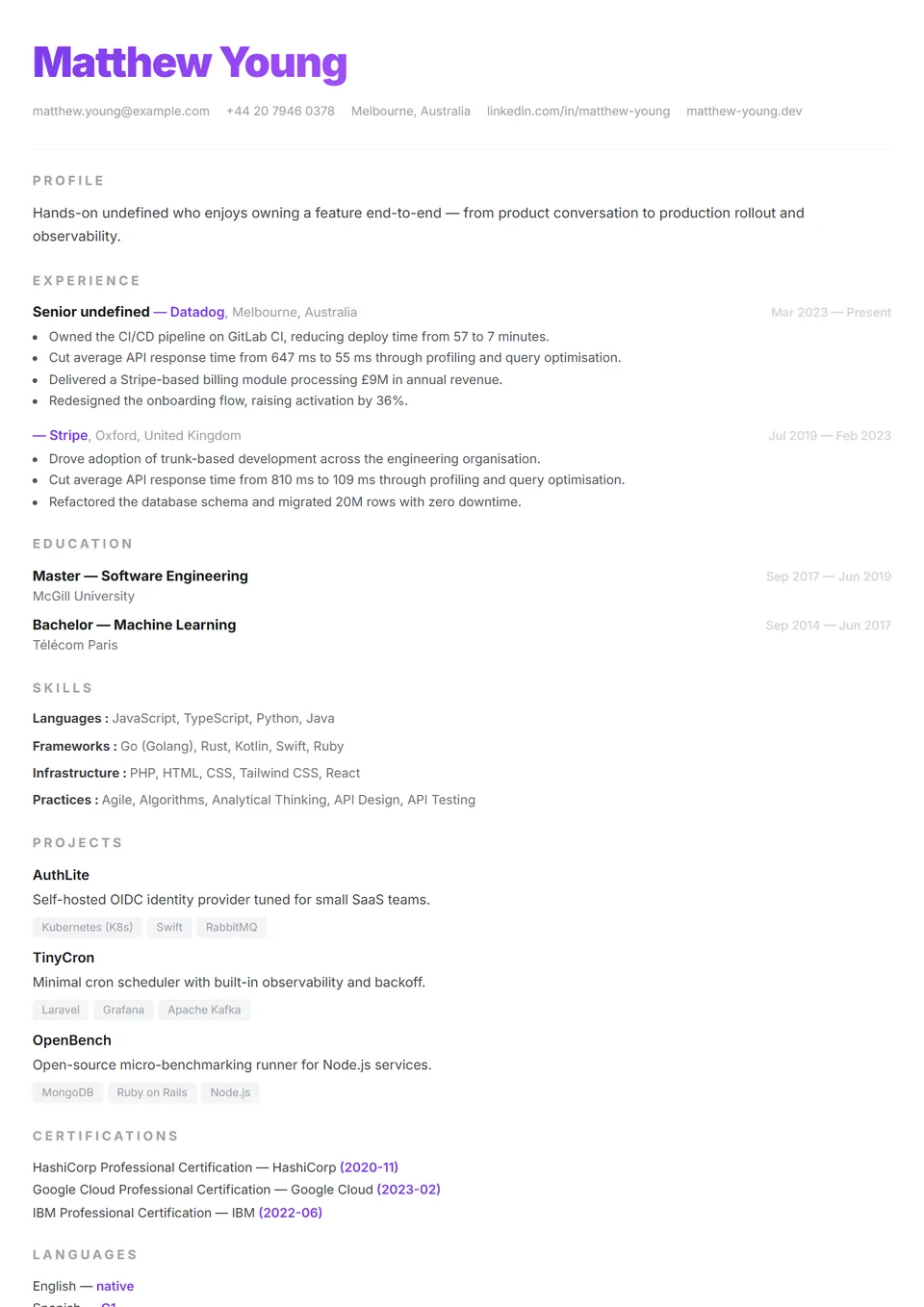
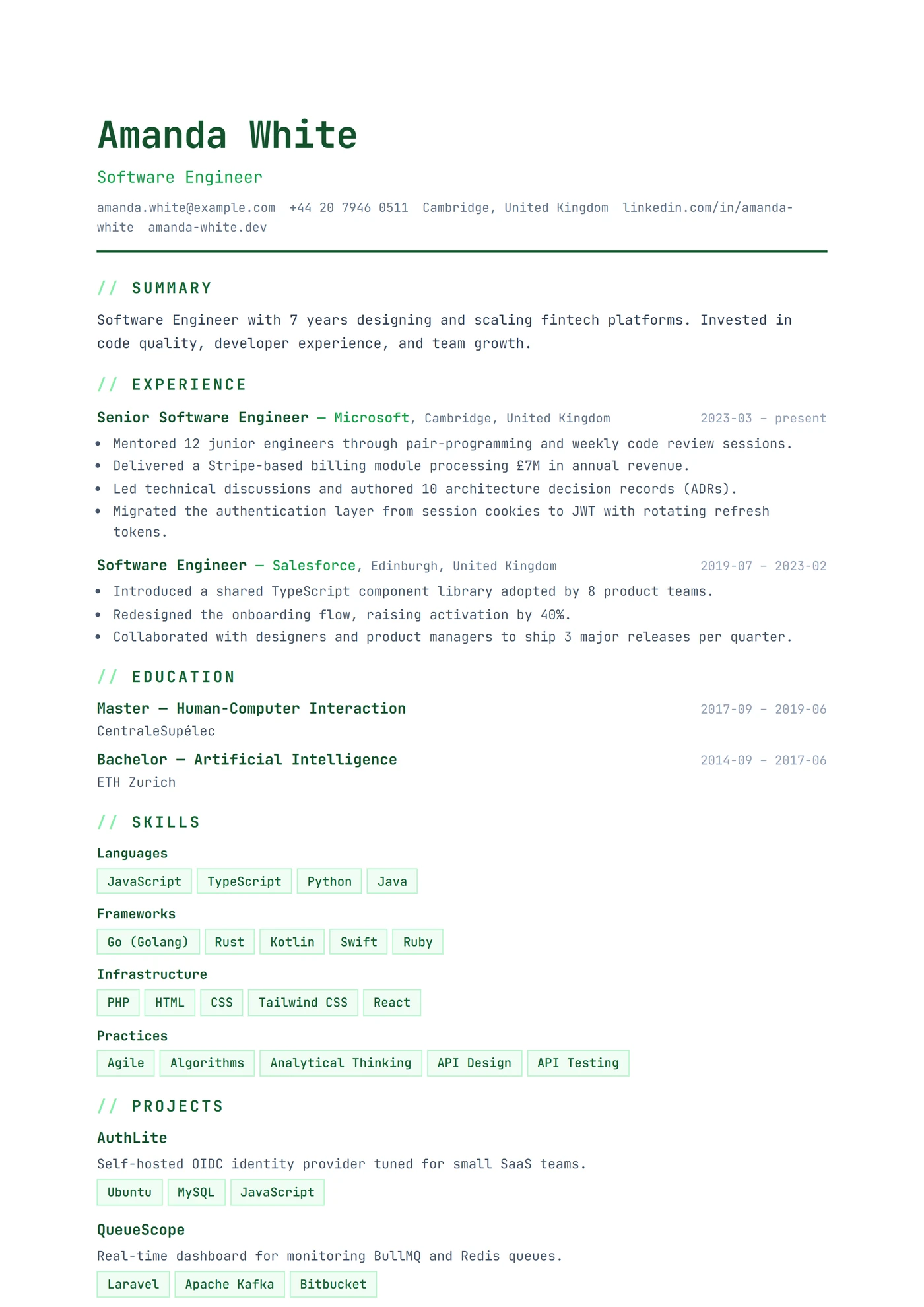
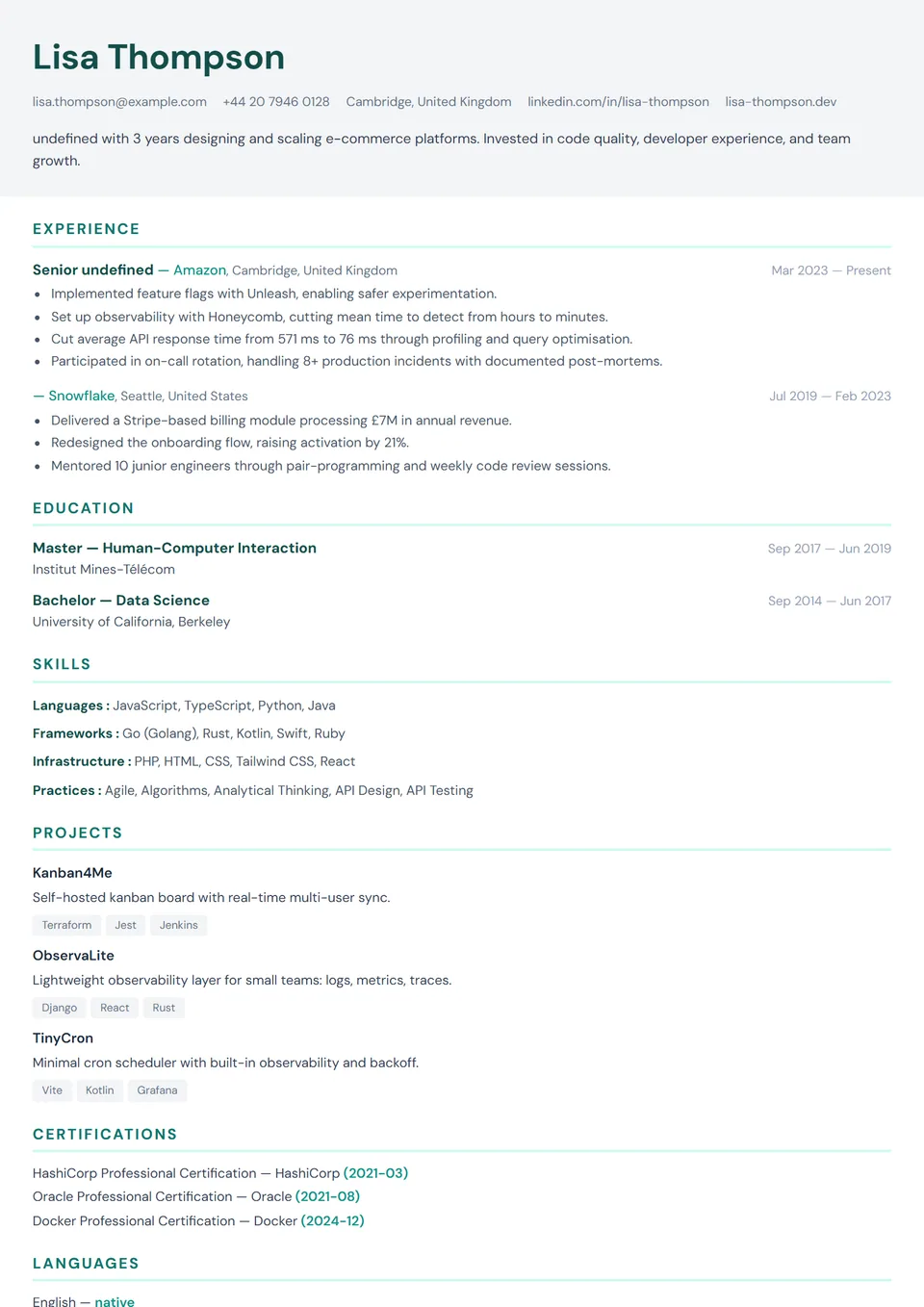
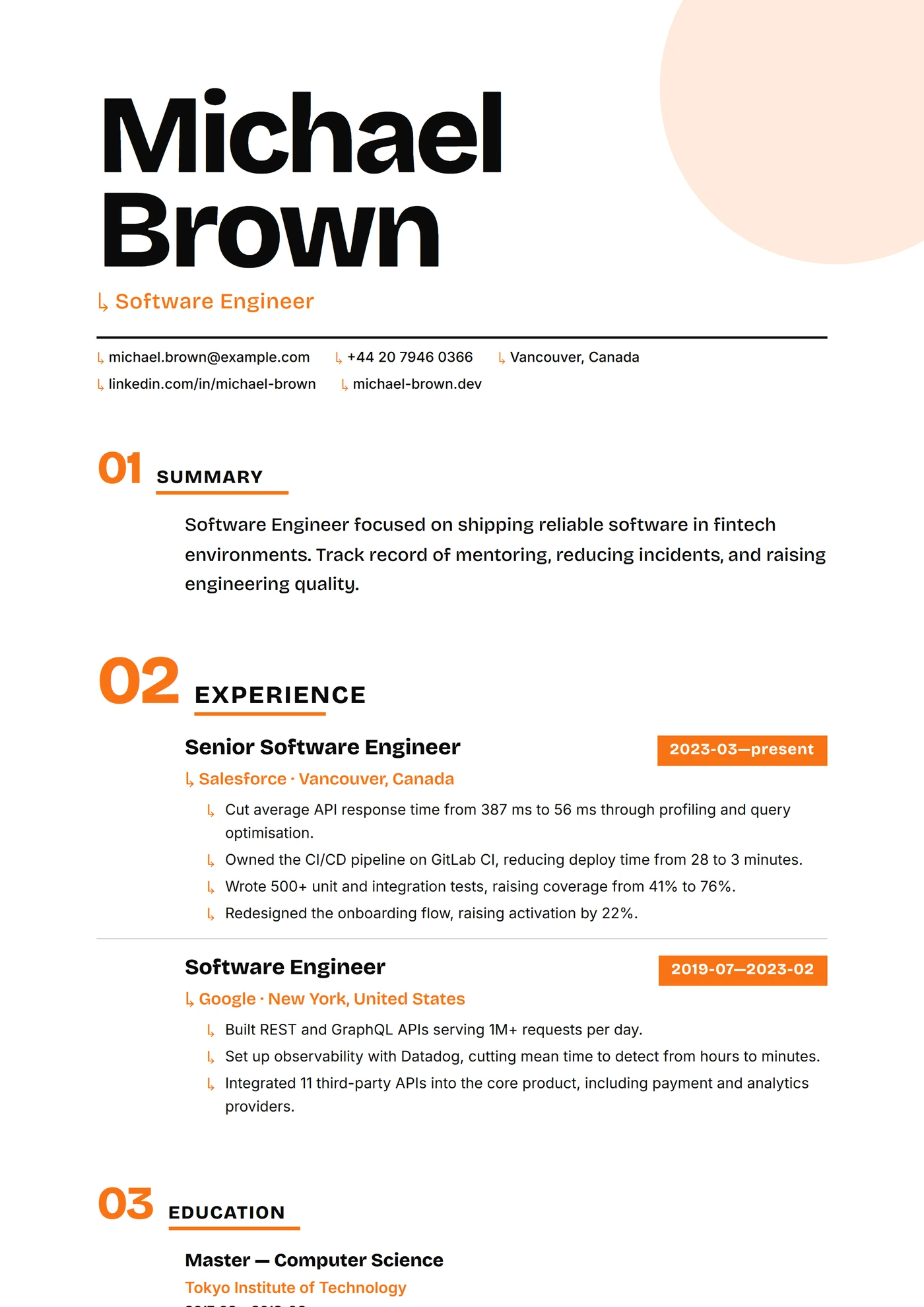
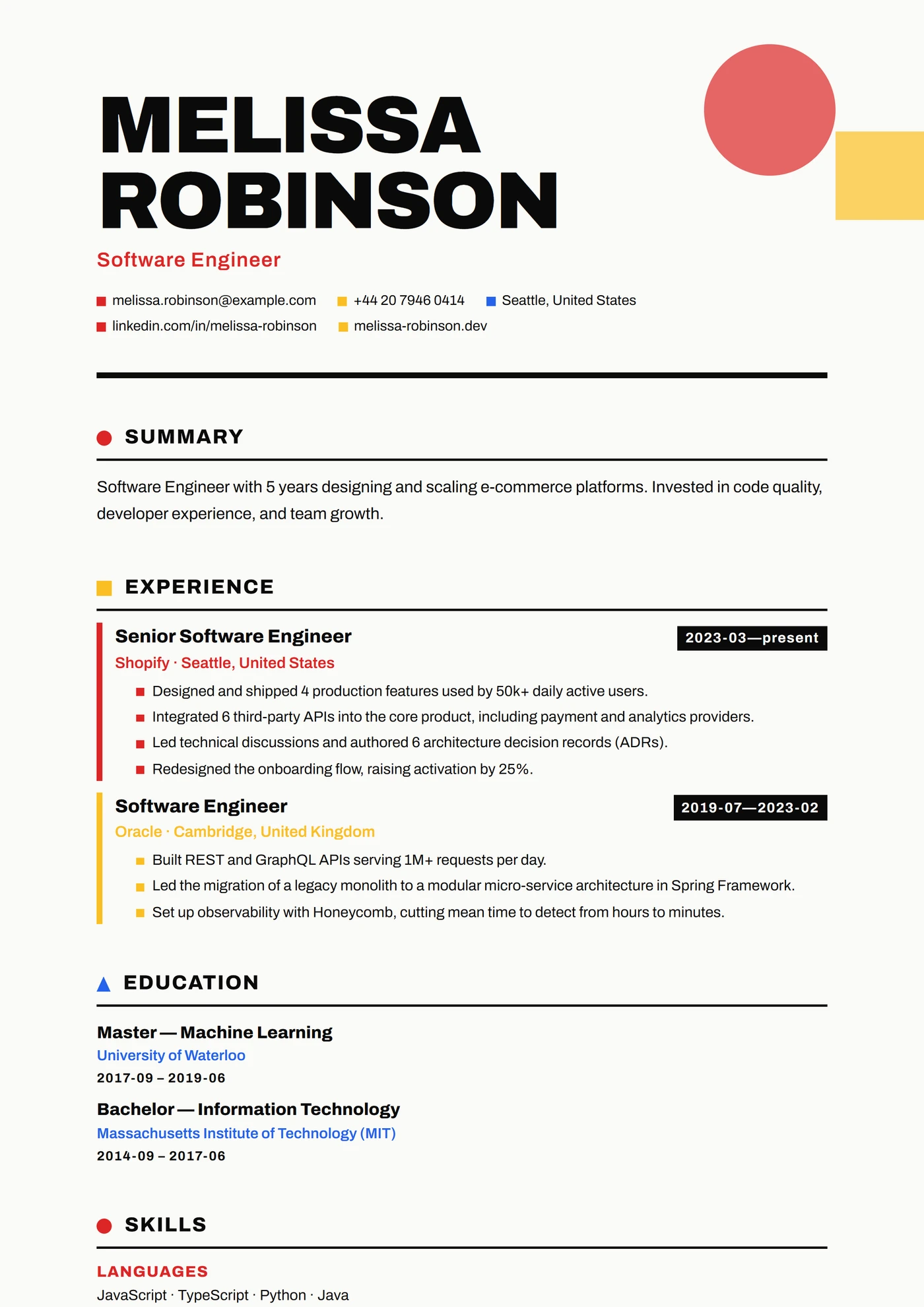
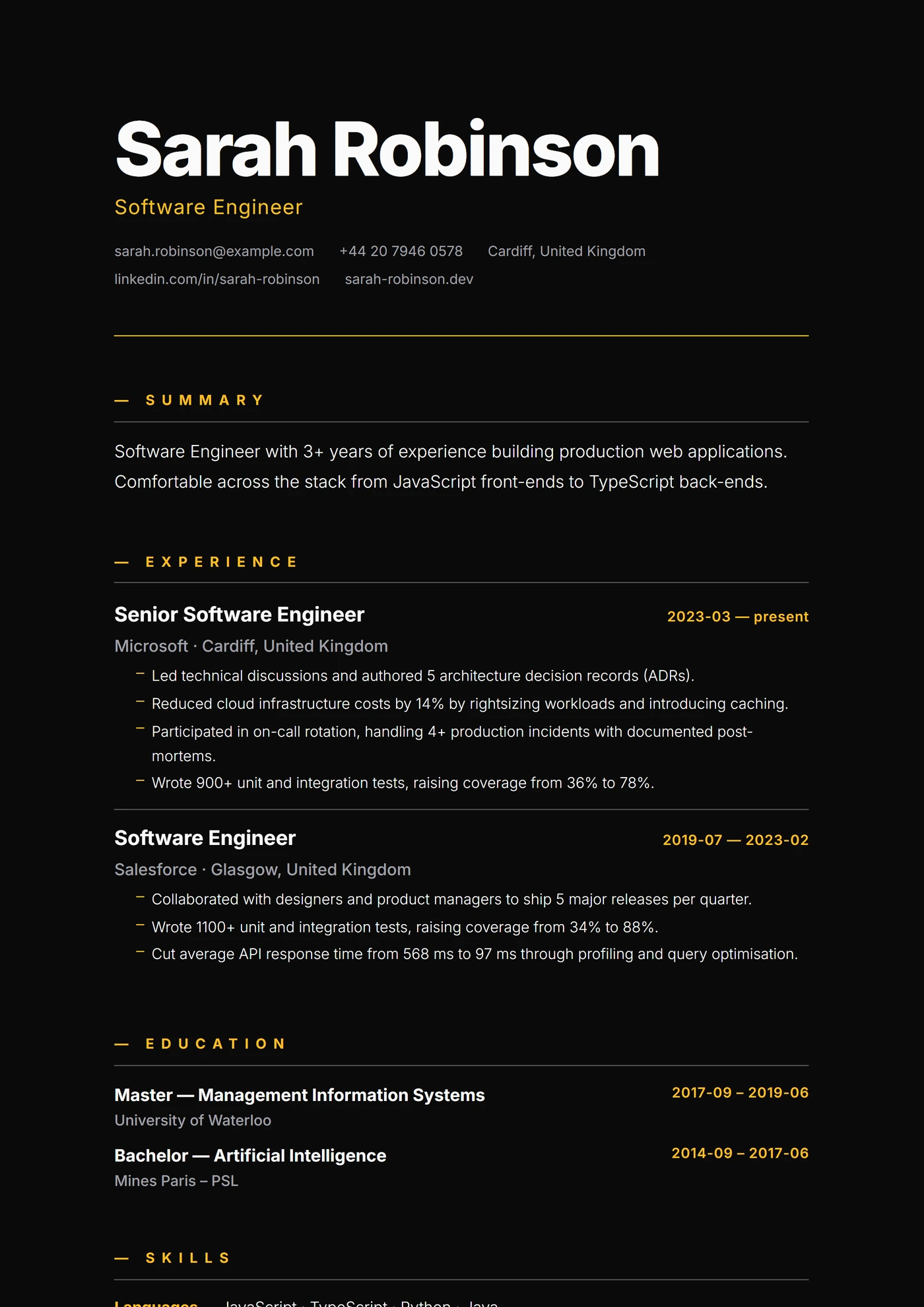
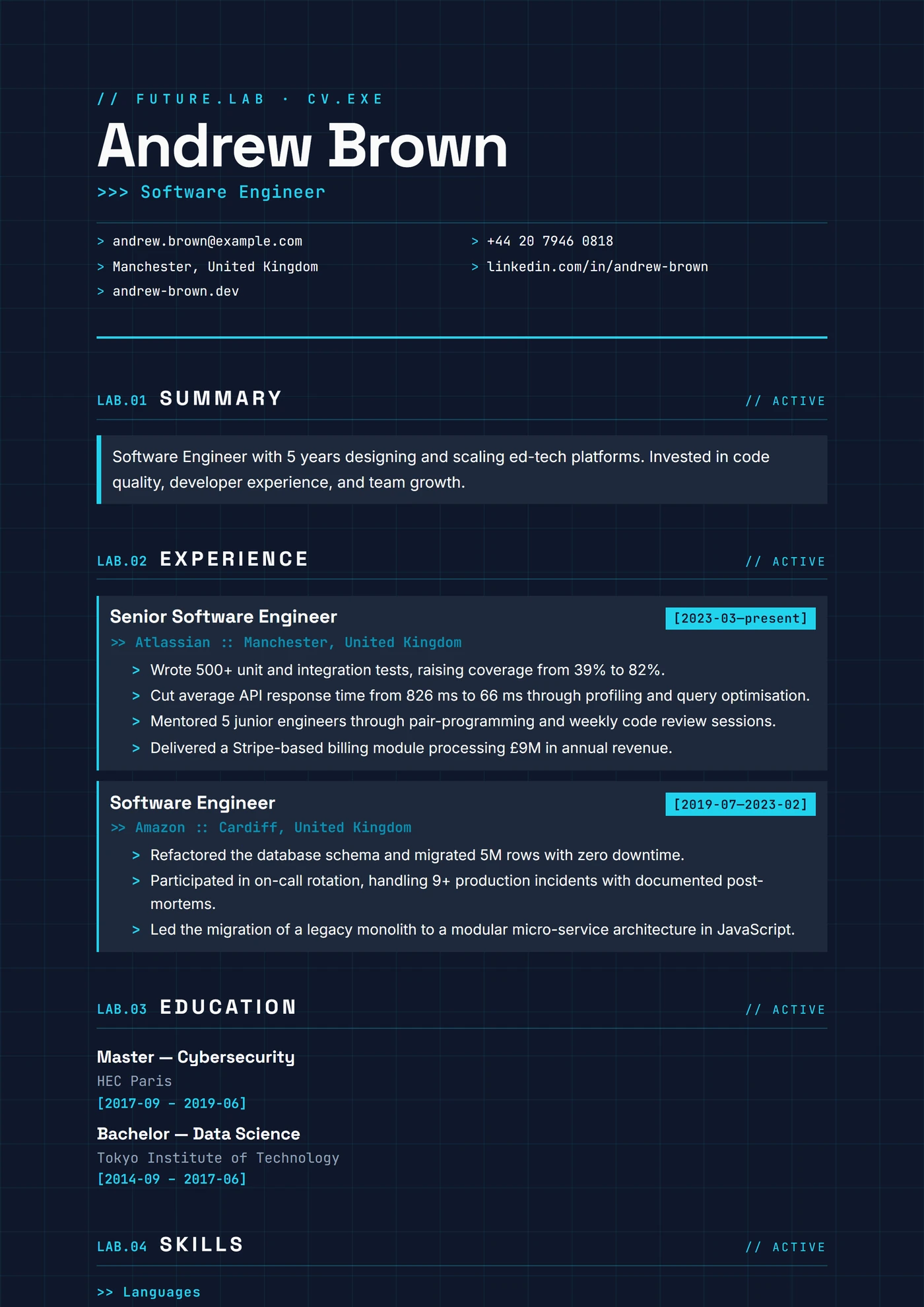
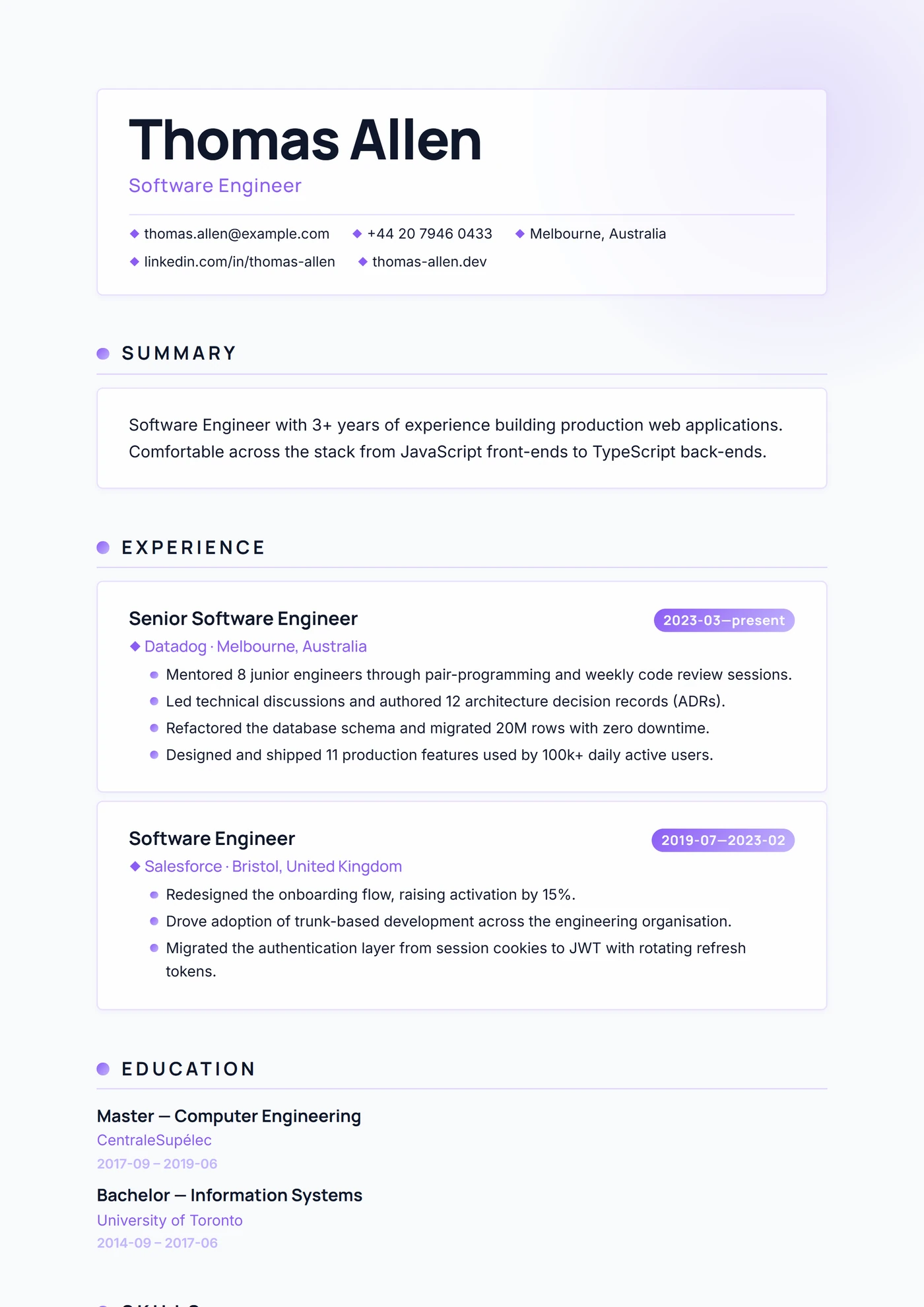
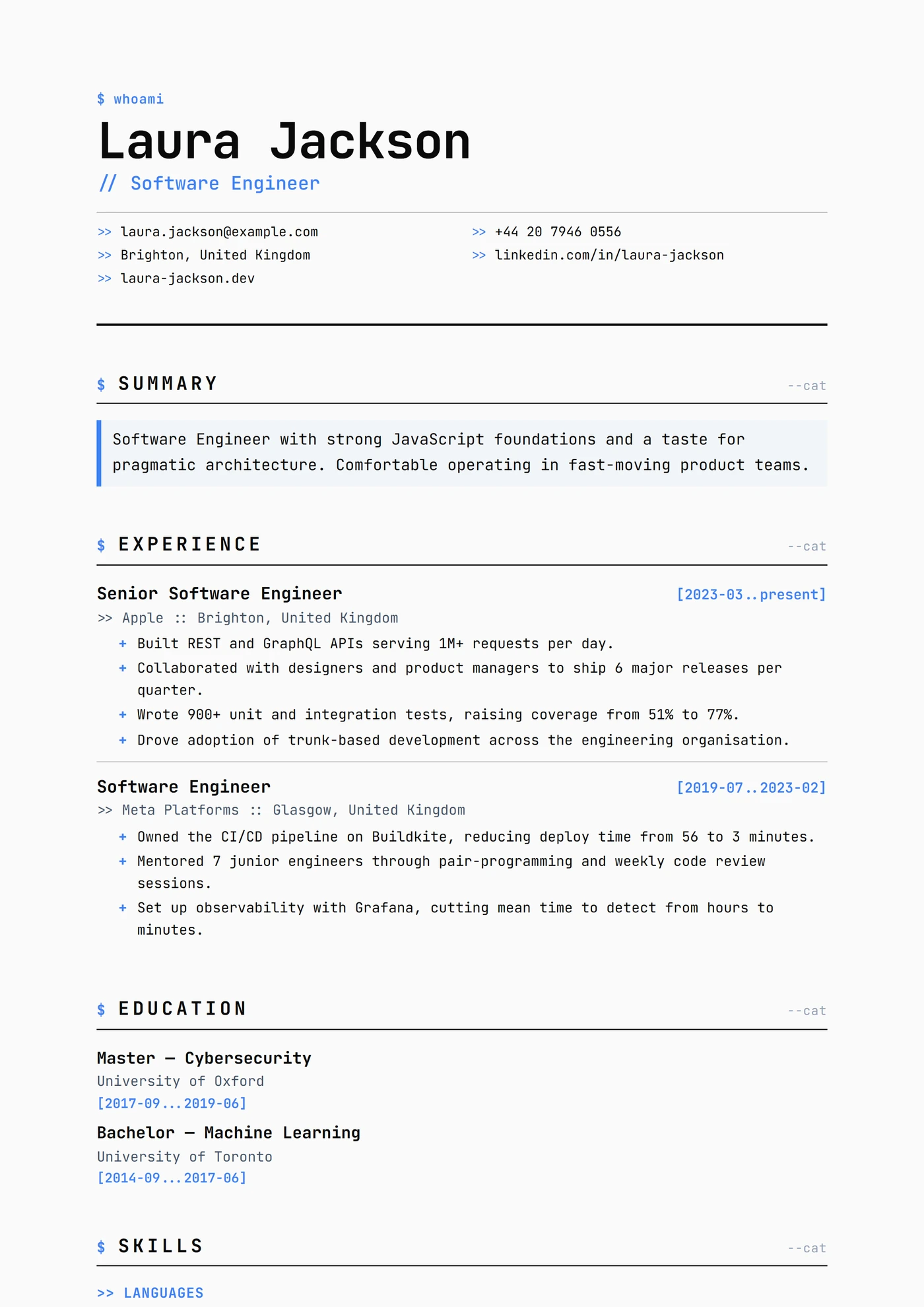
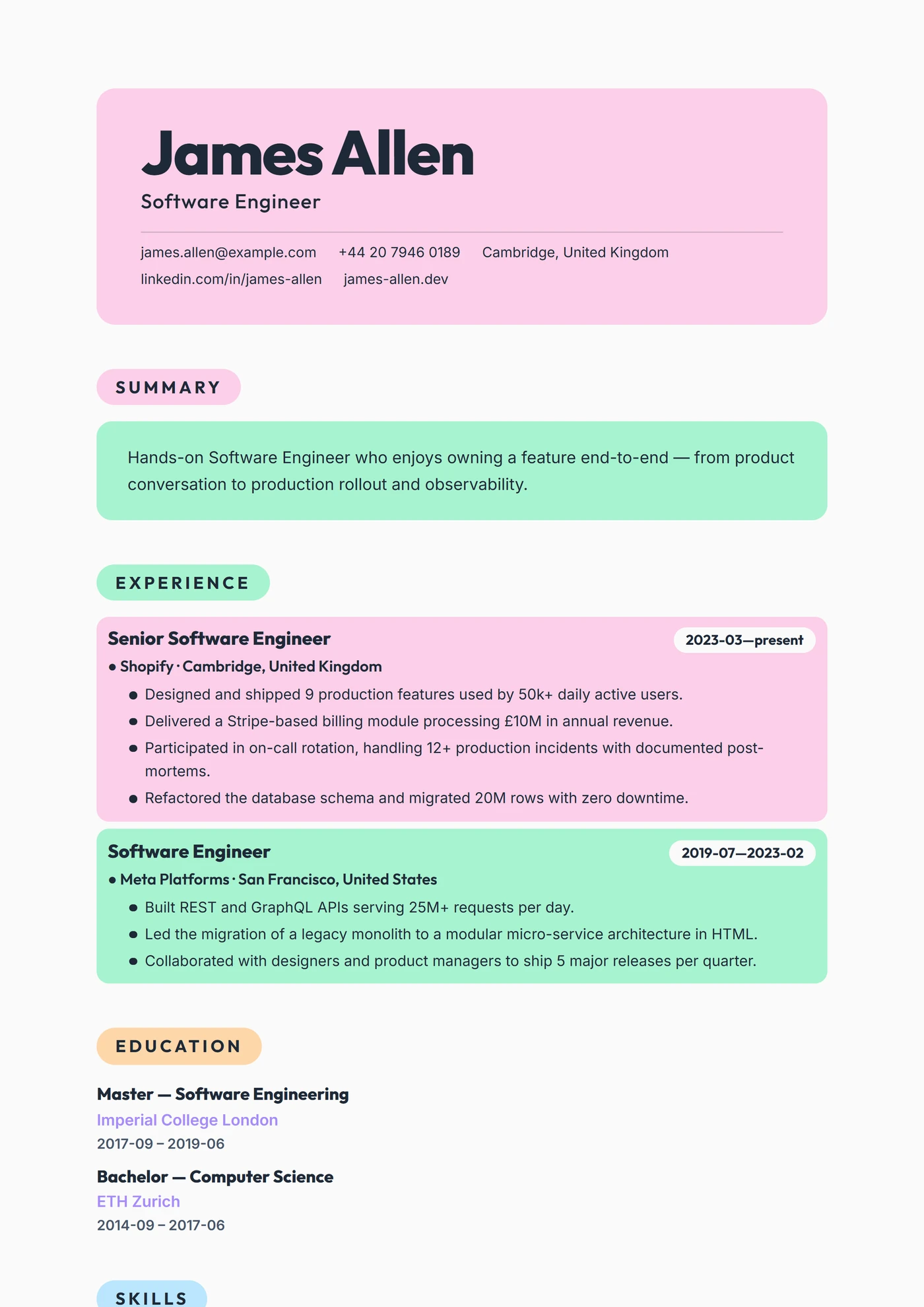
No template matches this style yet. Try another filter or browse all templates.
The Modern style: contemporary without trying too hard
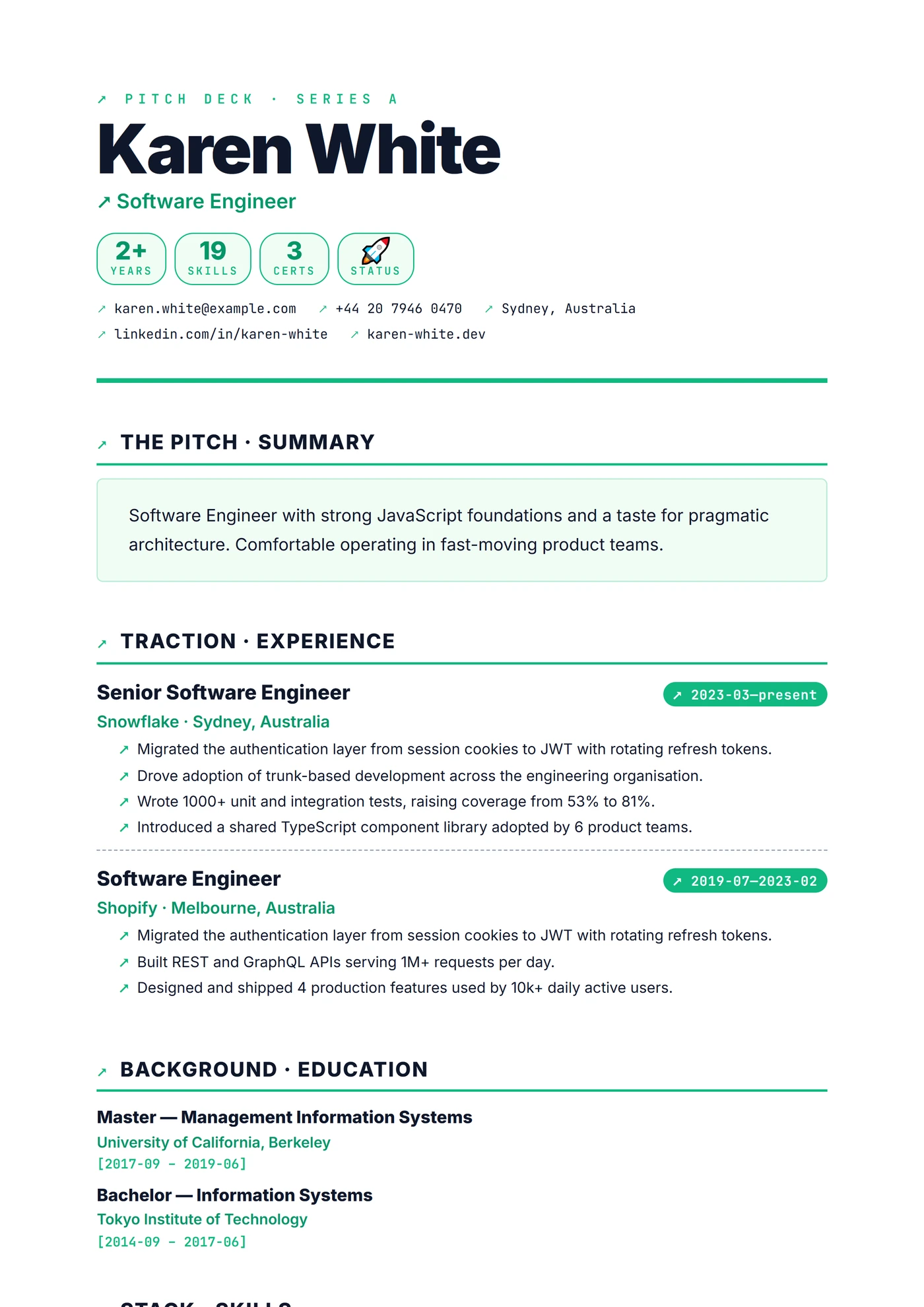
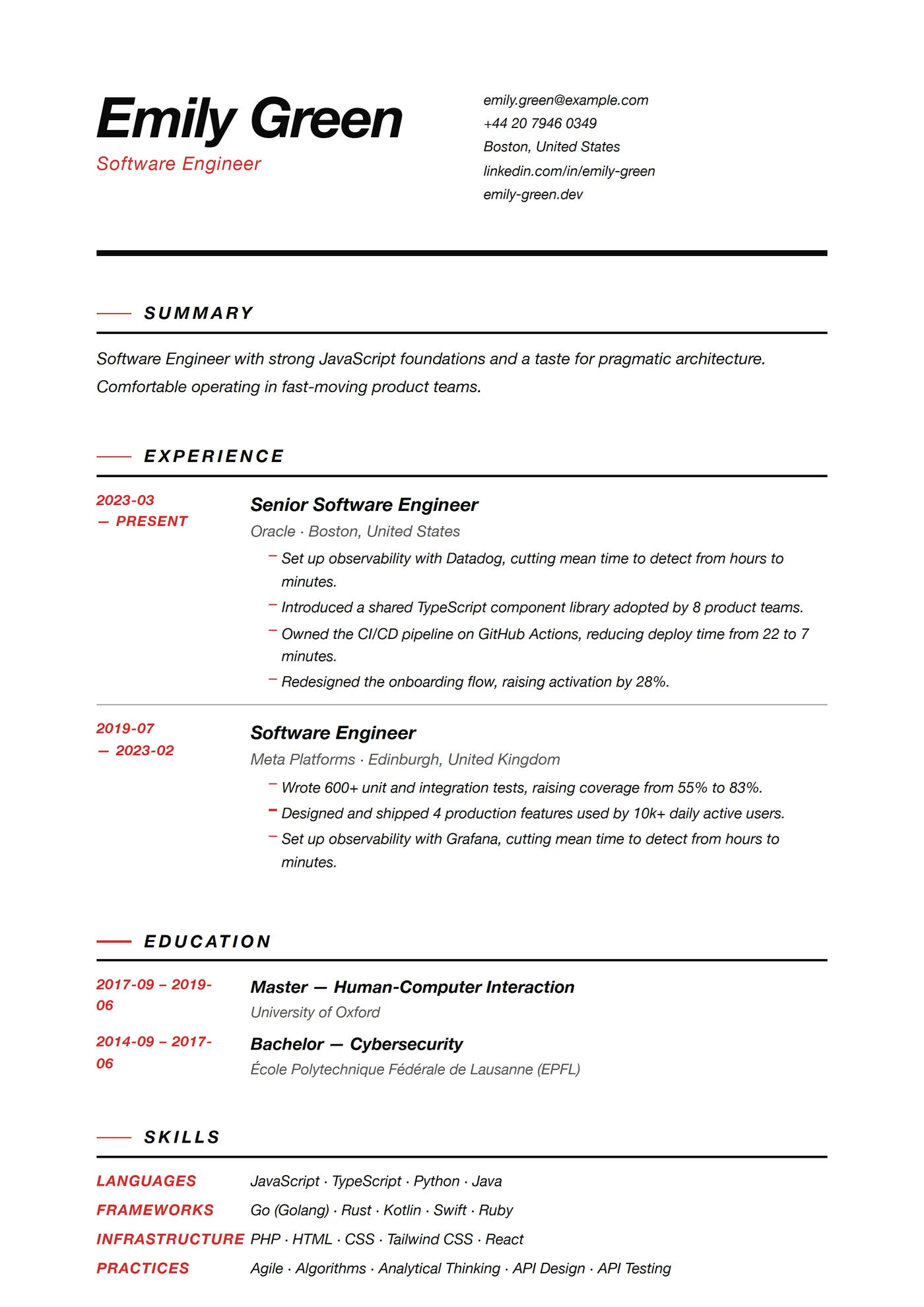
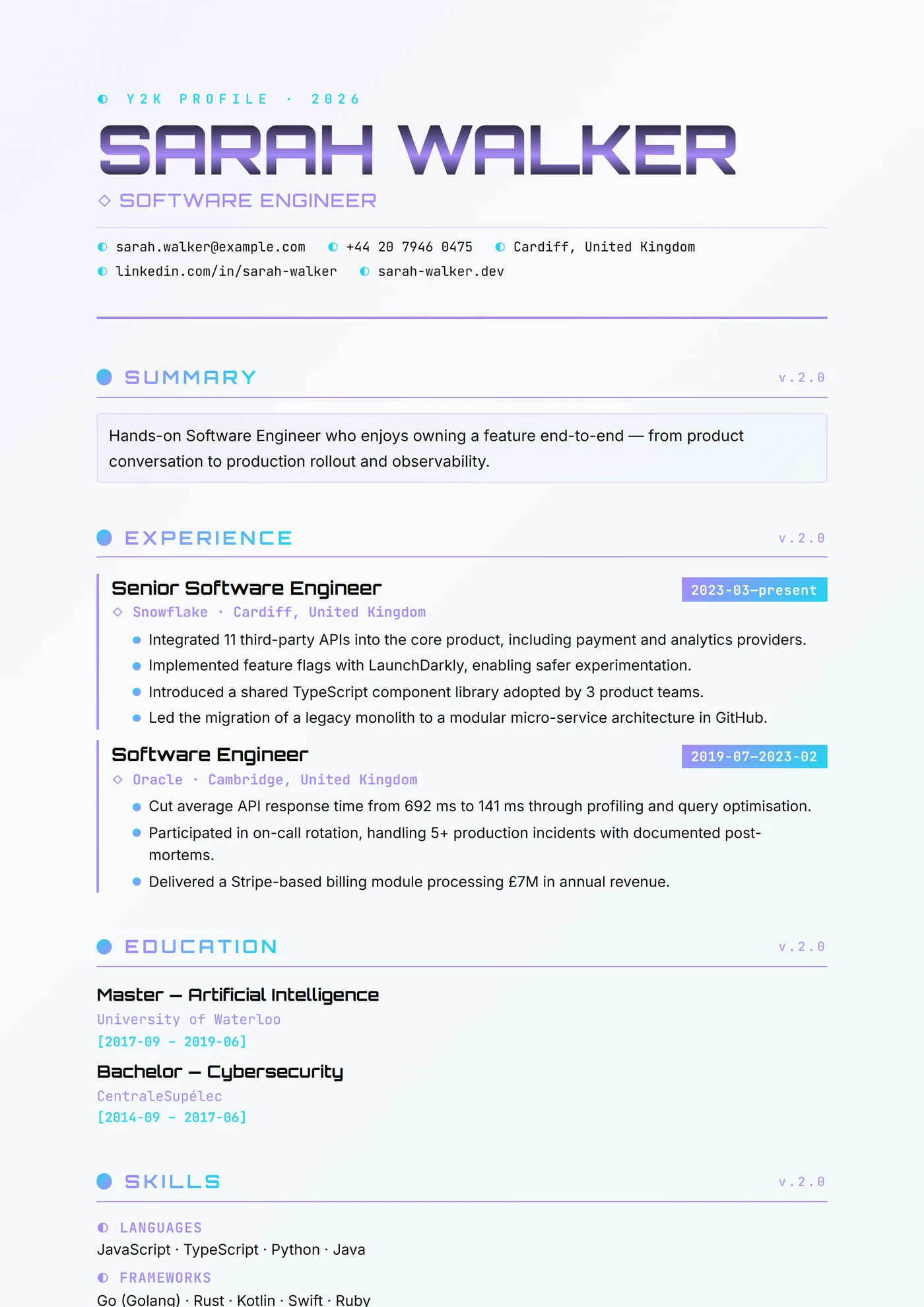
Modern templates use contemporary typography (Inter, Plus Jakarta Sans, Source Sans), confident hierarchy, and measured negative space. They avoid both the austerity of Minimal and the visual affirmation of Creative — aiming instead at the sweet spot most tech, product, and startup hiring managers expect to see. The layouts feel current without looking trendy, which is harder than it sounds.
If you're applying to SaaS companies, growth-stage startups, product teams at bigger tech firms, or any role where the hiring manager is likely on LinkedIn more than LinkedIn Premium, a Modern template matches the visual vocabulary they already use. The ATS compatibility is strong, and the designs photograph well in screenshots (useful for referrals).
FAQ
Frequently asked questions
Which CV templates are available?
Every template on this page is available in our in-browser editor once you create an account. You pick a design, personalise the content, and export to PDF or DOCX. AI-generated content and advanced personalisation tools are part of our premium plan.
Are these templates ATS-compatible?
All our designs are tested against the major Applicant Tracking Systems (Workday, Taleo, Greenhouse, Lever, SmartRecruiters). Even the creative layouts parse cleanly — we never sacrifice machine-readability for visual impact.
Can I edit a template after downloading it?
Yes. Our in-browser editor lets you update every section (experience, skills, education, contact) in real time. You can also export to PDF or DOCX and edit in Word / Google Docs.
Which export formats are available?
PDF (print-ready, ATS-safe) and DOCX (fully editable in Word, Google Docs, LibreOffice). Both preserve the exact design of your template.
Can I use the same template for multiple applications?
Absolutely — and you should. A single strong template, tailored per application, outperforms a generic CV used everywhere. Our editor lets you duplicate a CV and adjust keywords for each role in seconds.