About this template
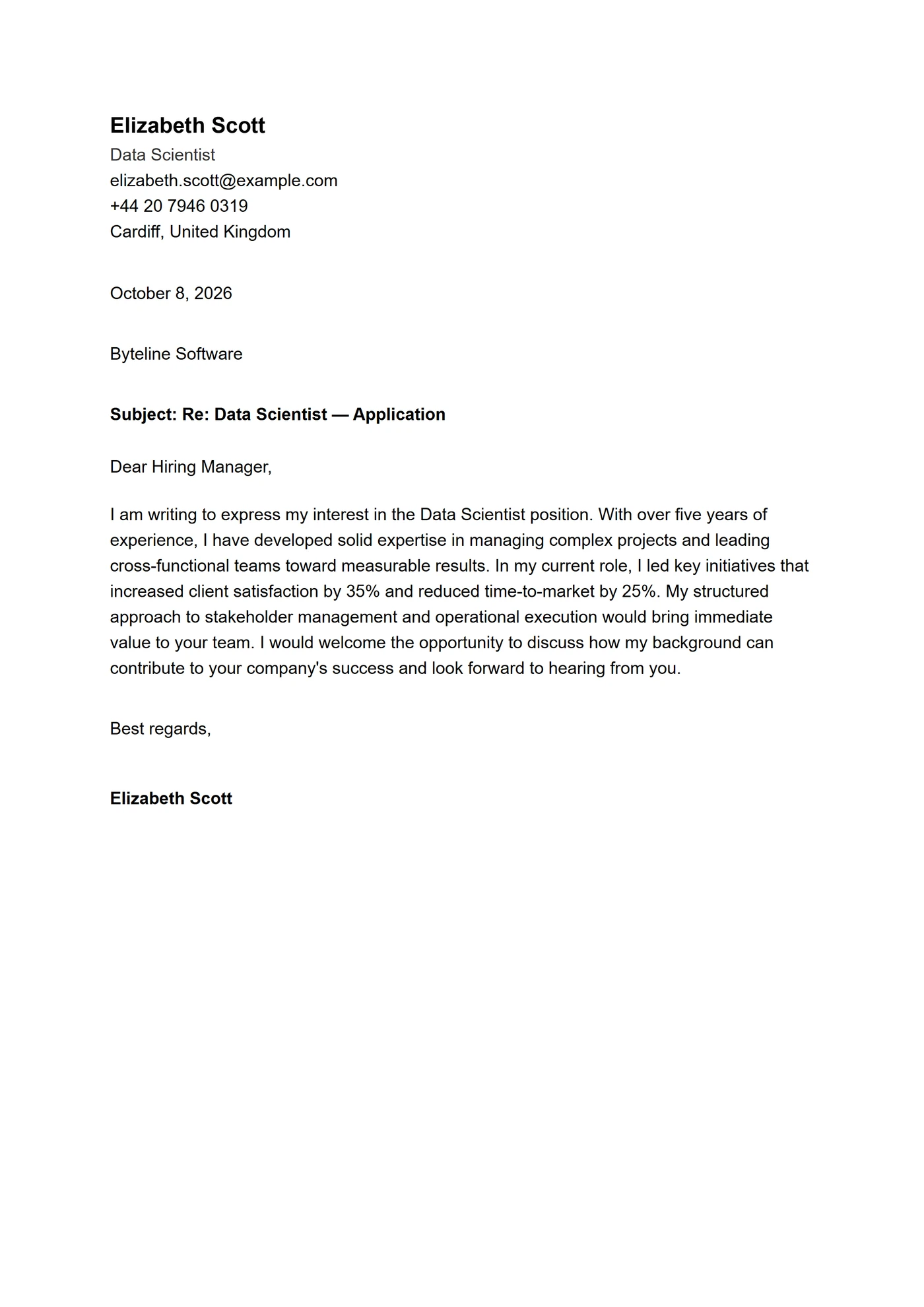
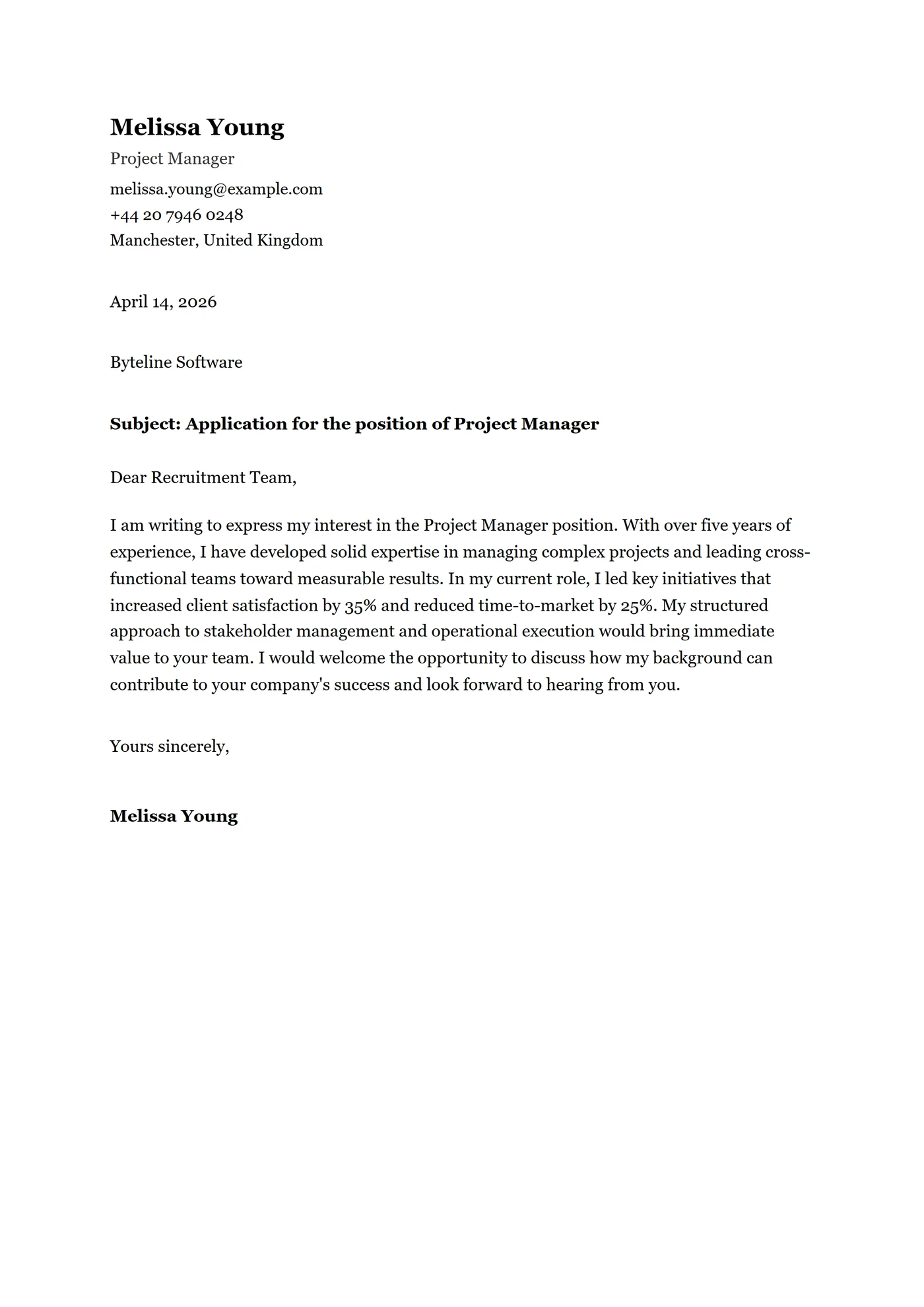
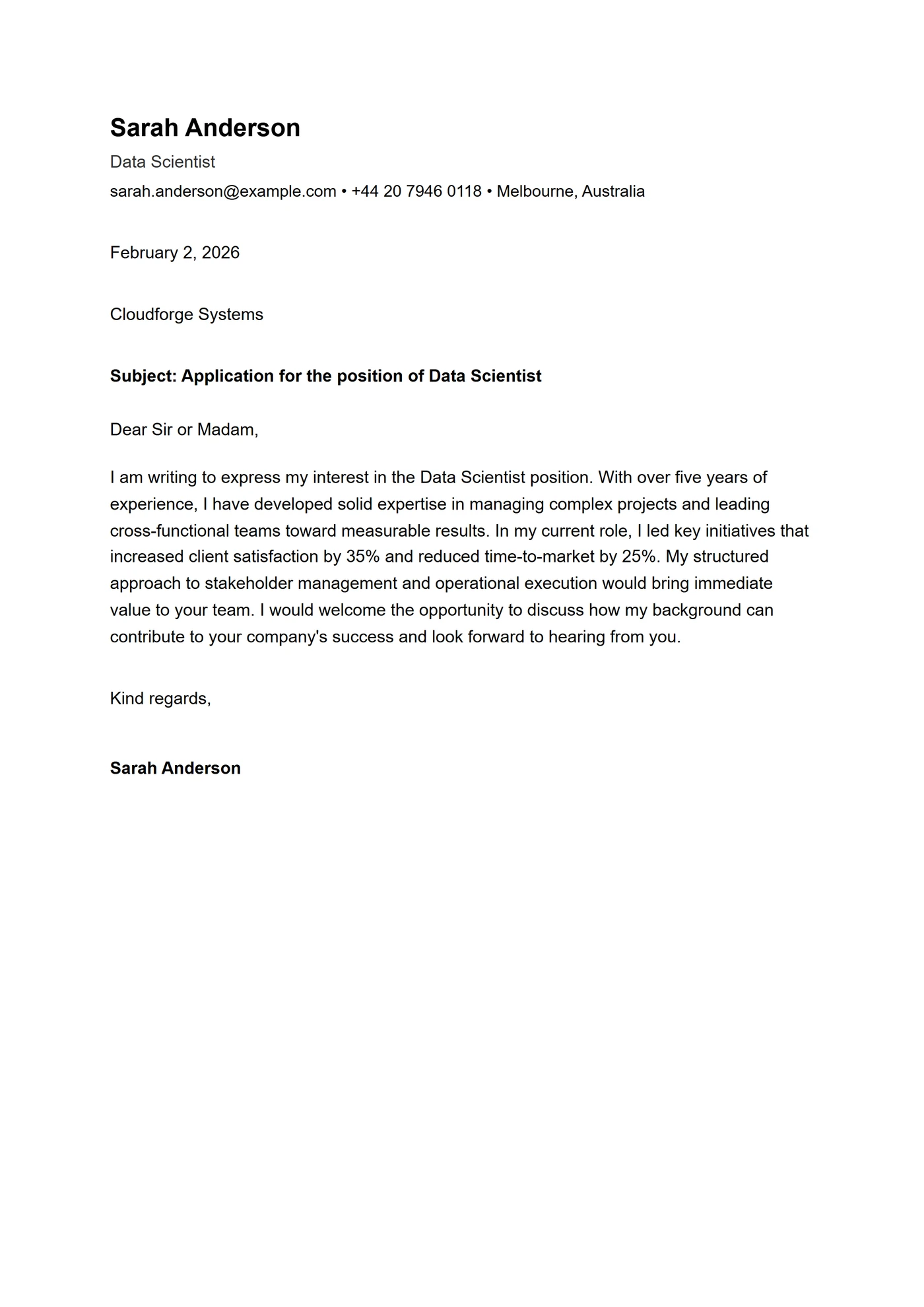
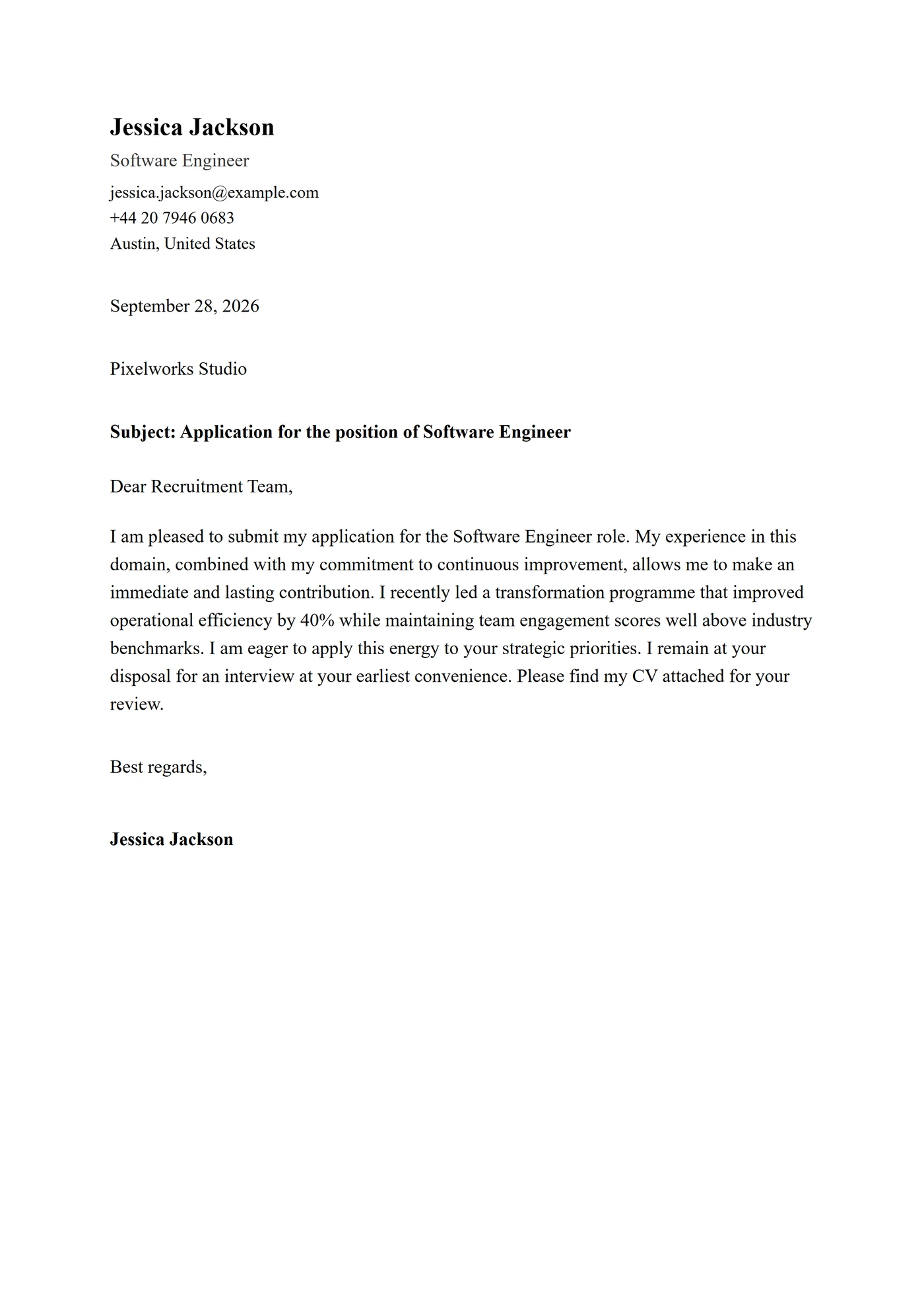
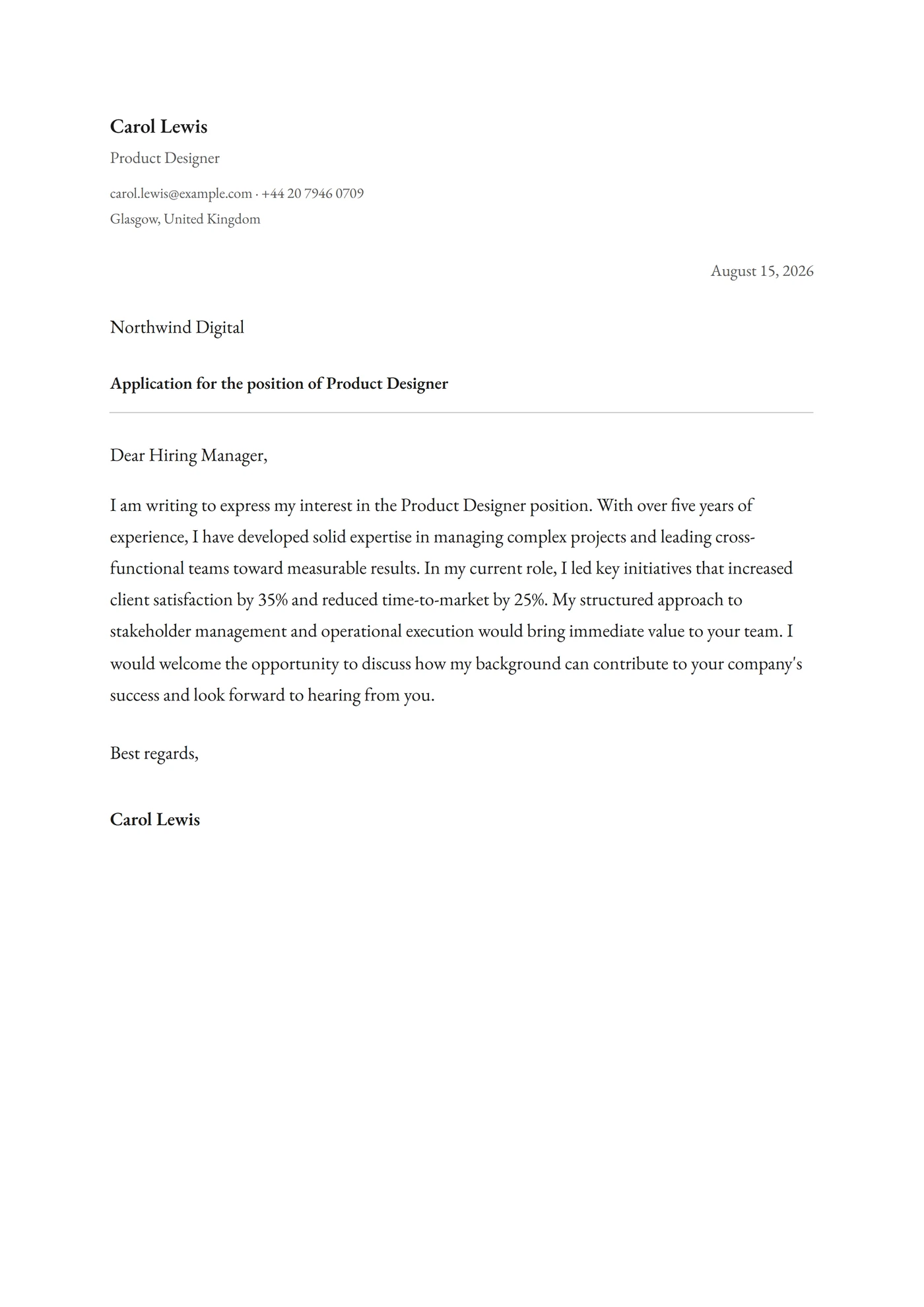
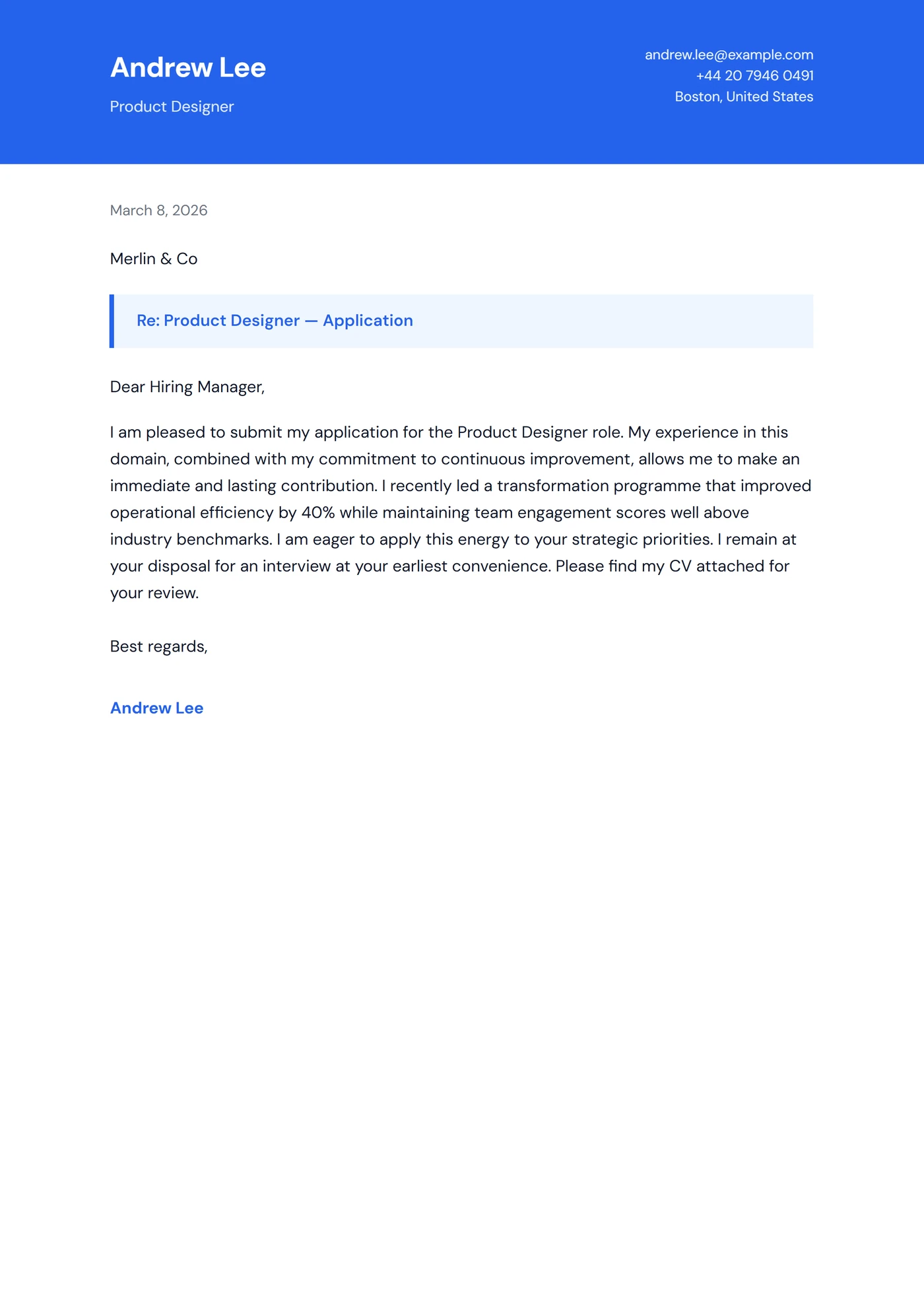
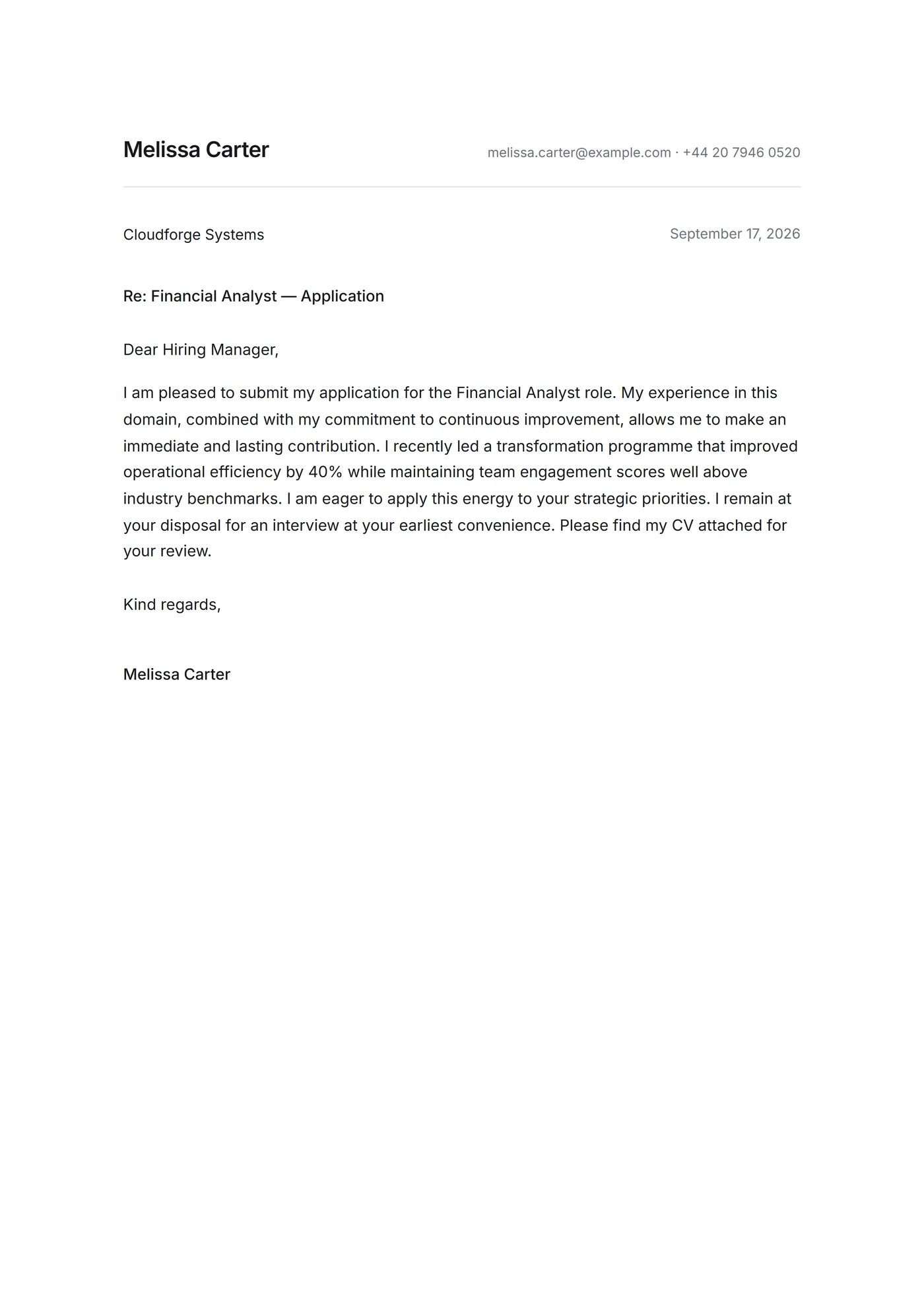
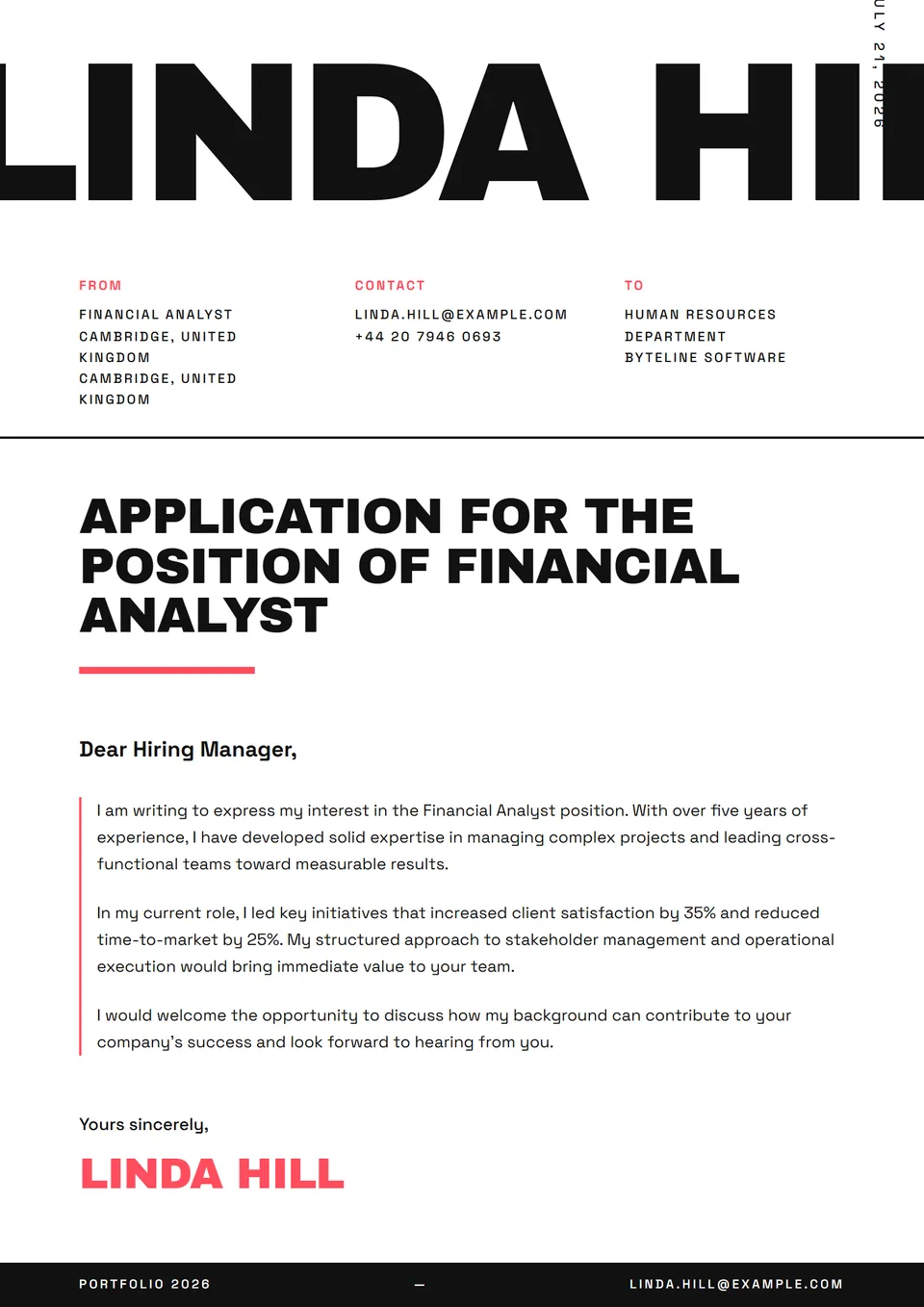
The ATS Calibri template is a cover letter set in Calibri 11pt, the Microsoft Office default that every parser handles natively. Clean one-column layout, standard contact block on top, neutral sans-serif — designed to slip through corporate filters without losing a character. Calibri renders identically across Outlook desktop, Outlook web and the Office mobile apps, making it the safest pick for pipelines where the recruiter will open the file inside an Outlook chain before any other software.
Who is it for?
It suits candidates routed through Office-based corporate workflows: administrative roles (executive assistants, office managers, EA to C-suite), corporate finance and FP&A, HR business partners, internal legal, compliance. Particularly suited to US Fortune 500 (J&J, Procter & Gamble, GE), UK FTSE 100 (BT, Diageo, Tesco) and the European subsidiaries of US groups where Office 365 is the default suite. It works for junior and senior profiles alike — the letter does not read dated, it reads as the expected professional default.
How to use it
Keep 11pt exactly — 12pt takes too much space, 10pt becomes painful on screen. Hold the single-column layout, no boxes, no tables: Workday and Taleo parsers sometimes convert tables into unstructured text blobs. Paragraph breaks are your friends: three or four short paragraphs beat one monolithic block. For applications sent as Outlook attachments, export as .docx rather than PDF if the ad allows it — some internal ATS preferentially ingest .docx into the HRIS for downstream parsing. If the ad explicitly asks for PDF, stay PDF. The 'ATS cover letter Calibri' search returns thousands of results, so the differentiator is the content.
Frequently asked questions
Calibri or Times New Roman for an administrative role?
Calibri for private-sector applications (corporates, mid-market employers, structured SMBs) — it has been the Microsoft Office default since 2007 and Outlook's standard since the same version. Times New Roman for federal government (US OPM USA Jobs), the UK Civil Service, traditional legal (white-shoe firms in New York, Magic Circle in London) and any pipeline where serif use remains a sign of expected formality. Quick rule: if the ad is hosted on a .gov domain, choose Times. If it is on a .com corporate site, choose Calibri.
Can I send the file as .docx rather than PDF?
Yes if the ad explicitly accepts it, or stays silent on format. The .docx allows the internal HR ATS to pull the text directly into the HRIS without OCR. Trade-off: layout can shift between Word versions. For a spontaneous application emailed directly to the hiring manager, keep PDF (frozen layout, mark of care). For volume applications through job boards, .docx scores marginally higher on some legacy parsers.
Should I sign the letter digitally?
For internal applications or staffing firms where the handwritten signature adds little, no — the typed name under the sign-off suffices. For applications in traditional sectors (banking, insurance, federal government) or a major spontaneous application, yes: scan your signature at 600 DPI on white background and insert the transparent PNG image at the bottom. A scanned signature transfers cleanly in PDF but can shift in .docx.